NumPy (Numerical Python)
NumPy (Numerical Python) is a powerful open-source library in Python used for numerical computing.
Website: https://numpy.org/
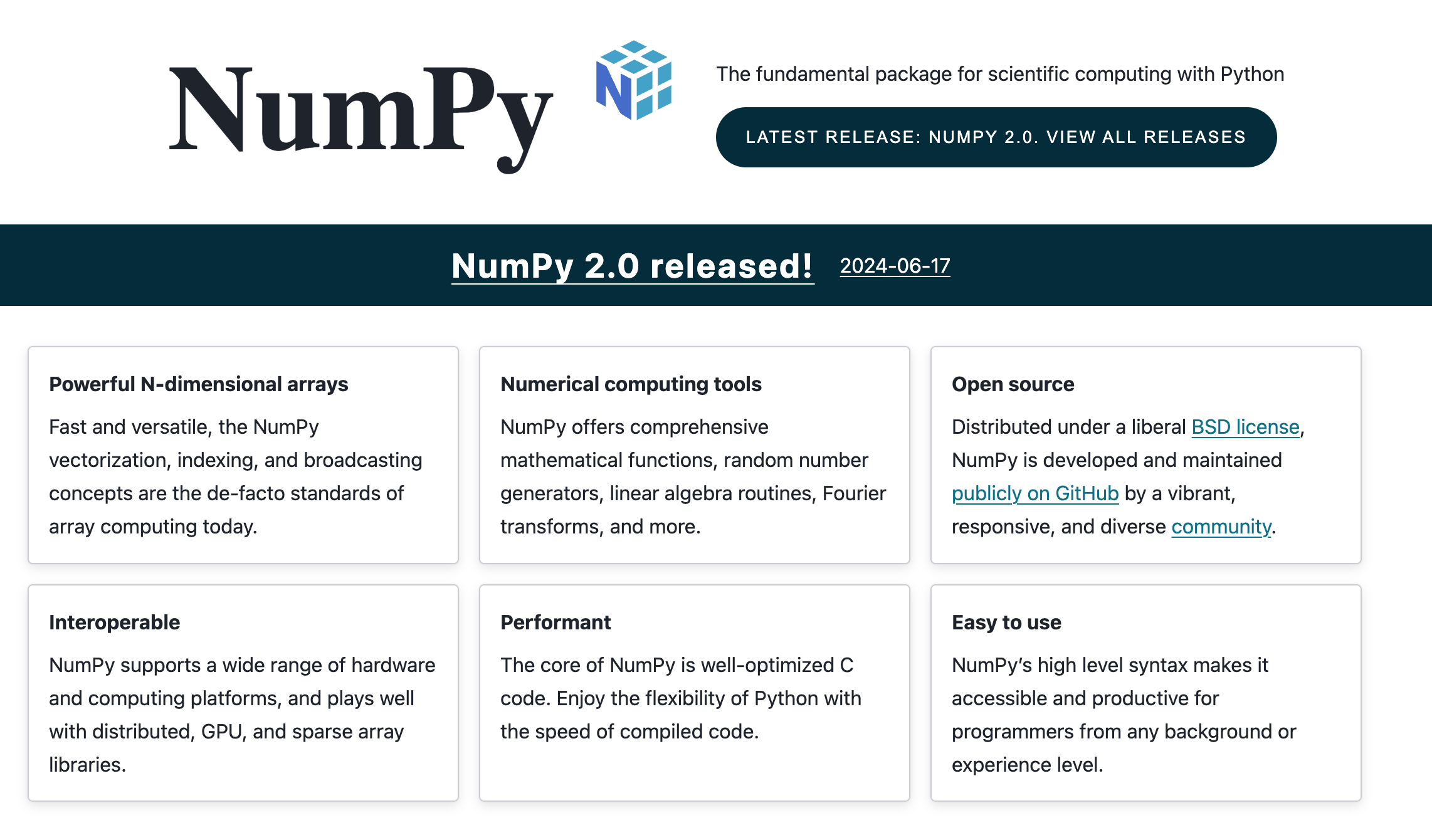
Key Advantages of using Numpy
1. Efficient Data Handling
- Fast Computation: NumPy's operations are implemented in C, making them significantly faster than standard Python lists and loops.
- Memory Efficiency: NumPy arrays use less memory than traditional Python lists, enabling the handling of large datasets more efficiently.
2. Powerful Array Operations
- Multidimensional Arrays: Supports operations on large, multi-dimensional arrays (ndarrays), facilitating complex data manipulations and mathematical computations.
- Broadcasting: Allows operations on arrays of different shapes by automatically expanding dimensions, simplifying mathematical operations.
3. Comprehensive Mathematical Functions
- Built-in Functions: Includes a wide range of mathematical functions for performing operations like arithmetic, statistical analysis, linear algebra, and more.
- Vectorization: Supports element-wise operations on arrays, which eliminates the need for explicit loops and enhances code performance.
4. Integration with Other Libraries
- Ecosystem Compatibility: Integrates seamlessly with other scientific libraries such as SciPy, Pandas, and Matplotlib, making it easier to perform data analysis, visualization, and more.
- Data Exchange: Facilitates easy data exchange between different libraries and tools within the Python ecosystem.
5. Advanced Data Manipulation
- Reshaping and Slicing: Provides powerful tools for reshaping, slicing, and indexing arrays, enabling efficient data manipulation and extraction.
- Filtering and Aggregation: Allows for advanced filtering and aggregation operations on data arrays.
6. Random Number Generation
- Random Module: Offers functions for generating random numbers, performing simulations, and statistical analysis, which are essential for data science and machine learning tasks.
It is important to note
- NumPy can only contain a single data type
- NumPy arrays use less memory because they store elements of a single data type, resulting in more compact storage. This efficient use of memory is advantageous for managing large datasets and conducting numerical computations effectively.
# Python can contain different data types
py_list = ["cat", True, 7, 14.1]

# NumPy can only contain single data type
np_bool = np.array([True, False])
np_int = np.array([7,8,9,10])
Installation
- Open a terminal (mac,linux) or Command prompt (windows)
- To install, run the following command:
pip install numpy
- Verify Installation
import numpy as np
print(np.__version__)
Next, let's get started.